On October 29, 2025, the company behind Grammarly quietly stopped being called Grammarly Inc. It's now Superhuman Platform Inc., a name that unites Grammarly, the productivity app Coda, and the AI-native email client Superhuman under one roof, with more than 40 million people using the underlying tools every day and revenue past $700 million.
Grammarly checks your grammar, spelling, and tone as you type, then layers on AI rewrites, plagiarism checks, and AI-generated-text detection on top. It plugs into Google Docs, Word, Gmail, Slack, and just about anywhere else you write, which is still the actual reason it's the default pick for everyday writing help: it lives inside the apps you're already using instead of asking you to copy-paste into a separate one.
This review covers what the product itself does well two decades in, what the rebrand actually changes for you as a user, and a recurring billing complaint worth reading before you set up auto-renewal.
Short answer: Grammarly is worth it for the core grammar, clarity, and tone checks, still genuinely reliable. The newer AI rewrite and detection tools are useful extras, not the reason to subscribe, and it's worth knowing how auto-renewal works before you forget about it.
Quick Verdict
Metric | Detail |
|---|---|
AIwithKay score | 7.8/10 |
Scale | 40M+ daily users, $700M+ in annual revenue, one of the most widely adopted writing tools in the category |
Best for | Anyone writing in English across docs, email, and Slack who wants reliable grammar and tone checking everywhere they type |
Starting price | Free, or $12/month per member billed annually (Plus) |
Free plan | Yes, covers core grammar and spelling checks plus limited AI prompts |
Bottom line | The core writing checks remain some of the most reliable in the category; watch for renewal terms and don't expect the newer AI features to replace a dedicated writing tool |
What Works Well / What To Watch
What works well:
Works everywhere you write: browser extension, desktop app, and native integrations mean you rarely have to leave the app you're already in.
Accurate core checks. Grammar, spelling, and clarity suggestions are consistently reliable, still the main reason people stick with it after twenty years.
Tone detection flags how a message will land before you send it, genuinely useful for anything client- or boss-facing where the wrong tone has real consequences.
A mature, widely-adopted product: 40 million-plus daily users is a scale that's hard to sustain without the core checks genuinely working, not early-adopter enthusiasm.
The Superhuman rebrand bundles Coda and Superhuman Mail into the same ecosystem, worth knowing about if you're already using either, since a unified subscription may now be available.
What to watch:
Intrusive upsells: frequent pop-ups pushing Plus, plus a floating icon that can block buttons inside some apps, a real UX annoyance on the free tier.
Occasional meaning drift: some AI rewrite suggestions change your intended meaning or strip out personal voice, so you can't accept them blindly.
English only. No support for other languages, which rules Grammarly out entirely if you write bilingually or in a non-English primary language.
Automatic renewal is worth watching closely: it's a documented, recurring complaint pattern that a subscription renews before a user expects it to, worth checking your own renewal date directly rather than assuming a reminder will reach you in time.
What Is Grammarly?
Grammarly's core product, real-time grammar and clarity checking as you type, has stayed remarkably consistent since it first became a household name, which is part of why it's still the safest default recommendation for everyday writing help. What's changed dramatically is the company around it.
The October 2025 rebrand to Superhuman Platform Inc. wasn't cosmetic. It followed two real acquisitions: Superhuman, the AI-native email client, in July 2025, and productivity tool Coda, whose CEO Shishir Mehrotra became Grammarly's CEO upon that deal closing. The new corporate umbrella launched a "Superhuman Suite" bundling Grammarly, Coda, and Superhuman Mail together, along with a new AI assistant called Superhuman Go, positioning the whole company as an AI-native productivity platform rather than a single grammar-checking browser extension.
For most users, the day-to-day product you interact with is still called Grammarly and still does the same core job. The rebrand matters if you're deciding whether to also adopt Coda or Superhuman Mail, since the company's stated direction is bundling all three under one subscription over time, worth watching if you're already invested in the Grammarly ecosystem specifically.
Key Features
Real-time grammar checking. Catches spelling, grammar, punctuation, and clarity issues as you type, across almost any app or browser.
Tone detection. Flags how your writing will read to someone else before you hit send, not after.
AI rewrites. One-click sentence and paragraph rewrites for clarity, tone, or length, though not every suggestion should be accepted blindly.
Plagiarism and AI detection. Checks text against published sources and flags likely AI-generated content, available on Plus and up.
Deep integrations. Works inside Google Docs, Microsoft Word, Gmail, Slack, and browser extensions rather than requiring a separate app.
How Grammarly Performs In Practice
No paid Grammarly account was run specifically for this review, worth saying plainly. What follows is grounded in Grammarly's own documented product behavior and pricing terms, not a summary of other sites' star ratings.
The core checks are the reason Grammarly has stayed the default pick across two decades and a full corporate rebrand: the suggestions are consistently accurate rather than generic, and the integration coverage, Docs, Word, Gmail, Slack, browser extensions, means it catches errors in the moment you're writing rather than requiring you to paste text into a separate app afterward. That's the product doing exactly what made it a household name in the first place.
The part worth watching closely is renewal, not writing quality: automatic renewal is a documented, recurring source of frustration, a subscription charges again before a user expects it to. That's a process problem, not a signal the core product is unreliable, but it's a real and specific enough pattern to plan around.
A practical way to avoid that surprise yourself: check your renewal date the day you subscribe, not the week before it charges, and set your own calendar reminder rather than relying on Grammarly's own notification to reach you in time. That single habit resolves the most common complaint about the product before it ever becomes one.
Grammarly Pricing in 2026
Verified against Grammarly's official pricing and Tools item research the day this was written. Grammarly's own pricing page served localized non-USD pricing during this research, so figures below are cross-checked against independent trackers, confirm your local currency pricing directly before buying.
Plan | Price | What You Get |
|---|---|---|
Free | $0/month | Spelling and grammar checks, tone detection, 100 AI prompts a month |
Plus | $12/month per member billed annually, or $30/month billed monthly | Full-sentence rewrites, tone adjustment, plagiarism and AI-text detection, unlimited personalized suggestions, 2,000 AI prompts a month |
Enterprise | Custom, contact sales | SSO, SCIM, data loss prevention, custom roles and permissions, dedicated support |
Is it worth the price? For anyone writing professionally in English across multiple apps, Plus at $12/month annually is a reasonable, low-risk subscription, especially if the plagiarism and AI-detection checks matter for your work (academic writing, client deliverables). If you only need basic proofreading occasionally, the free tier still covers the core grammar and spelling checks well enough not to need more.
Grammarly vs Competitors
Tool | Best For | Starting Price | Key Differentiator |
|---|---|---|---|
Grammarly | Everyday writing help across every app you use | Free | Broadest app integration coverage, most mature grammar-checking engine |
ProWritingAid | Writers wanting deeper style and readability analysis | $10/month | More granular style reports, favored by longer-form fiction and content writers |
Hemingway Editor | Writers wanting a focused readability/simplicity check | One-time purchase, ~$20 | Simpler, one-time cost, no ongoing subscription, narrower feature set |
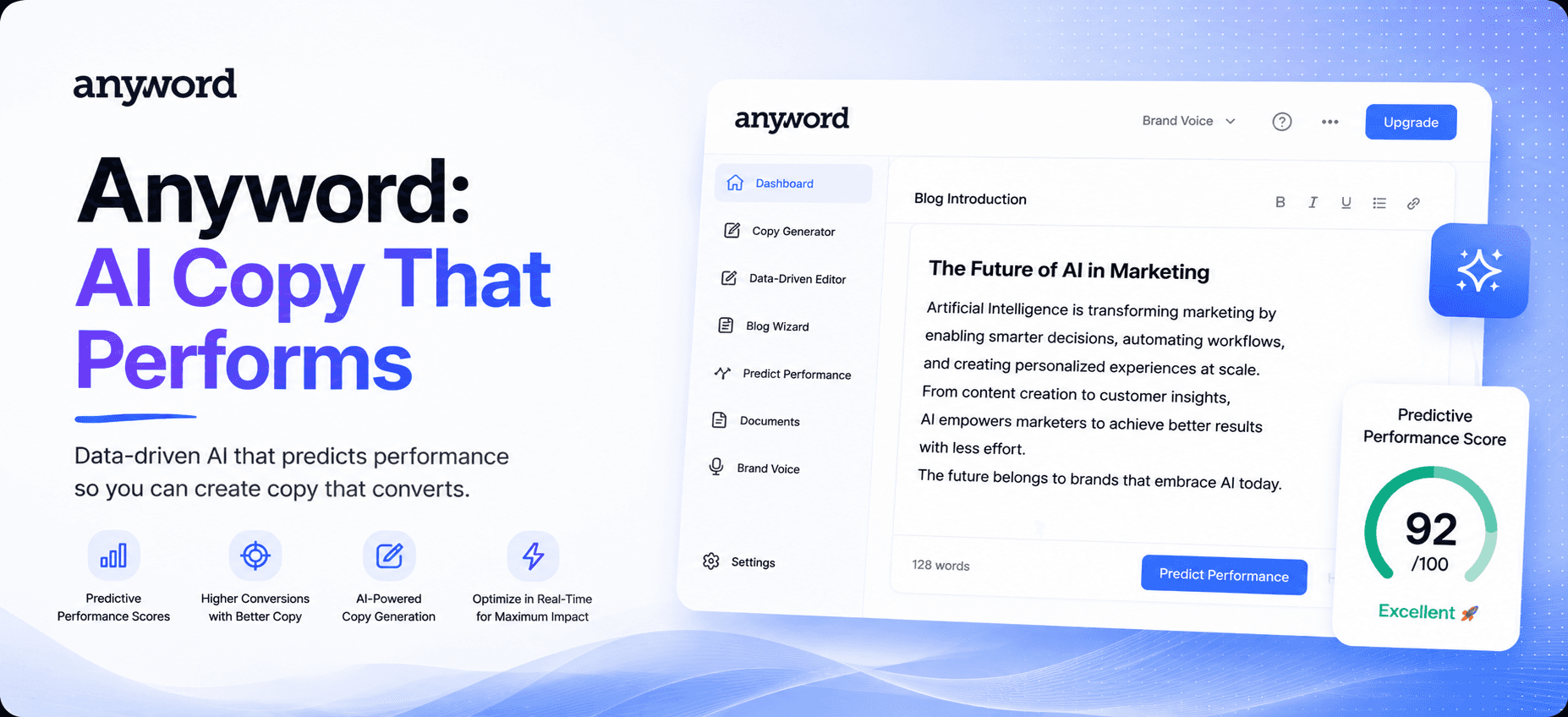
ProWritingAid wins for writers who want deeper, more granular style analysis (overused words, pacing, readability by genre), a better fit for longer-form content than Grammarly's more general-purpose checks. Hemingway Editor is worth a look if you specifically want a simplicity and readability check without an ongoing subscription, at the cost of Grammarly's real-time, everywhere-you-type integration. If what you actually need is AI-generated marketing copy rather than grammar checking on your own writing, that's a different job, see our Anyword review for a performance-focused copywriting tool instead. Grammarly's actual edge is breadth: nothing else checks your writing live across as many different apps.
A simple way to decide: if most of your writing happens inside email, Slack, and quick documents scattered across different apps, Grammarly's breadth wins outright, no competitor covers that surface area as consistently. If your writing is concentrated in one long-form project, a novel, a thesis, a content calendar, ProWritingAid's deeper per-genre analysis is worth the narrower app coverage.
Who Grammarly Is Best For
Best for:
Anyone writing professionally in English across Gmail, Docs, Slack, and Word who wants one consistent grammar and tone check everywhere.
Students and professionals who need plagiarism or AI-detection checks alongside standard proofreading.
Non-writers who want a safety net before sending anything client- or boss-facing, the tone detector specifically earns its keep here.
Skip it if:
You write primarily in a language other than English, Grammarly simply doesn't support that use case.
You want deep, genre-specific style analysis for long-form writing, ProWritingAid is built more specifically for that.
You're wary of subscription auto-renewal and don't want to actively manage a cancellation date, read the billing terms closely first given the pattern in lower-rated reviews.
Final Verdict: Is Grammarly Worth It?
Grammarly's core product has stayed reliable through two decades and a full corporate rebrand, still doing its central job well: catching real errors, live, in whatever app you're already using, at a scale of 40 million-plus daily users that's hard to sustain without the checks genuinely working. The Superhuman Platform rebrand is a bigger story about where the company is headed than about what changes for you today.
The honest caveat is billing hygiene, not writing quality. Set a calendar reminder around your renewal date, and don't expect the newer AI rewrite and detection tools to replace a dedicated tool if your work genuinely needs deeper style analysis. For everyday English writing across the apps you already use, Grammarly remains one of the safer, more reliable defaults in the category.
Curious to see how it performs?
Try
Grammarly
Now
GOT ANY QUESTIONS LEFT?
Is Grammarly still worth it in 2026?
Why did Grammarly rename itself Superhuman?
How much does Grammarly cost?
Does Grammarly work in languages other than English?